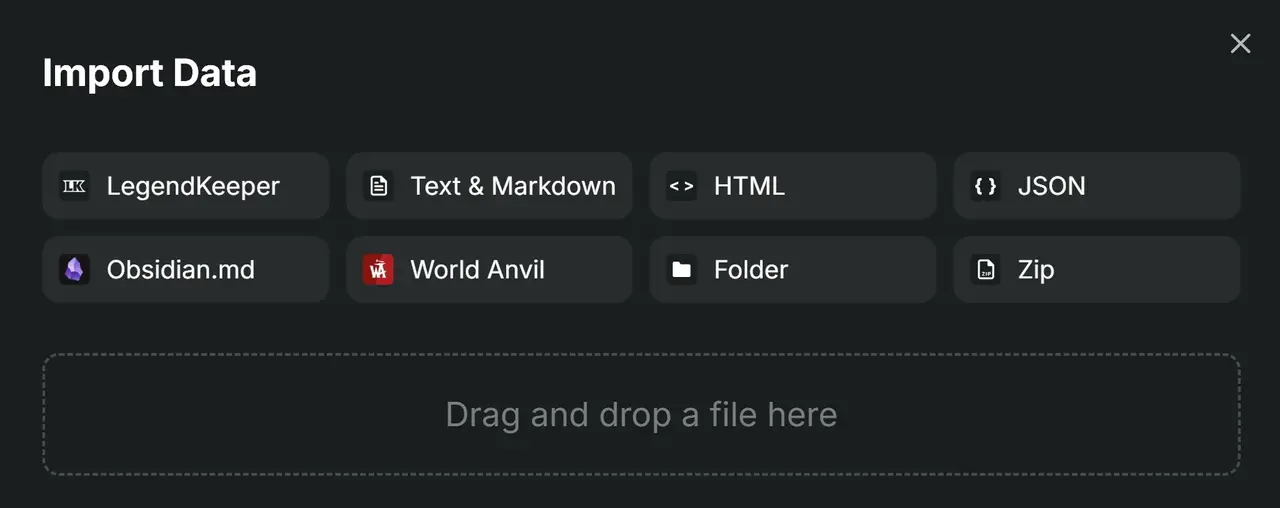
Importing and exporting your LegendKeeper project is an extremely useful tool. You can import entire sections, pages, maps, art, etc. from one project to another. This is great if you want to import your world lore and maps from the first novel into a new project for the next book in your series.
Check out the video in the right-hand sidebar to see just how quick and easy it is. This will also help you import templates from this project into your own.
Export
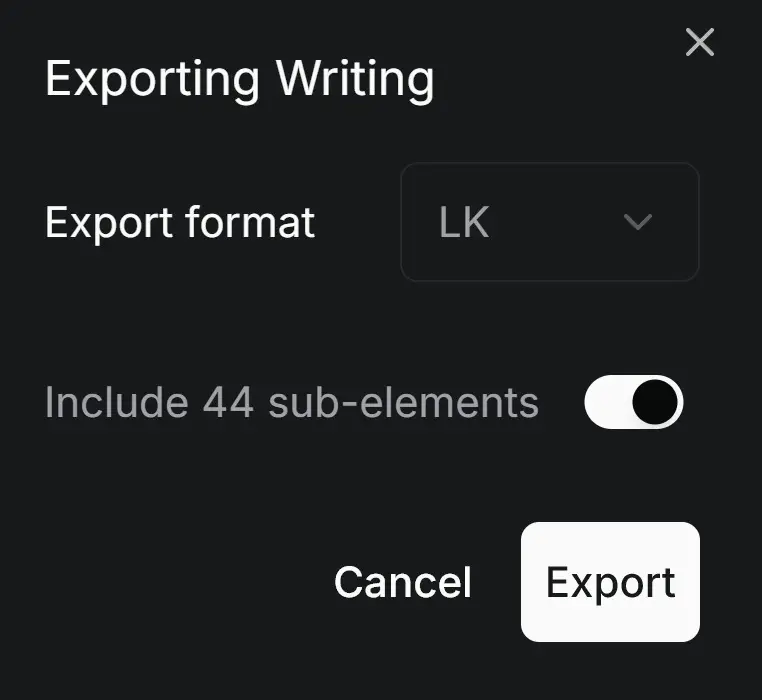
In the left-hand menu column, right-click any page you want to export (you'll be given the option of including any subpages of that page - this also includes the subpages of subpages).
Select "Export".
Choose the format you want to export it in.
Toggle whether to include subpages.
Click "Export".
The file is now saved in your designated downloads folder.
Import
Create a new page.
Select "Import" from the page options.
Either drag & drop the files you exported in the above steps or choose the file types from the selection at the top of the panel and it will open your folders to allow you select specific files. It will then automatically populate the page and subpages exactly as you had exported it.
Note: Large files may take a while to load and populate.